
How To Install Windows 10
Backup all files before installing Windows.
Insert your Windows 10 DVD/USB and boot from it.
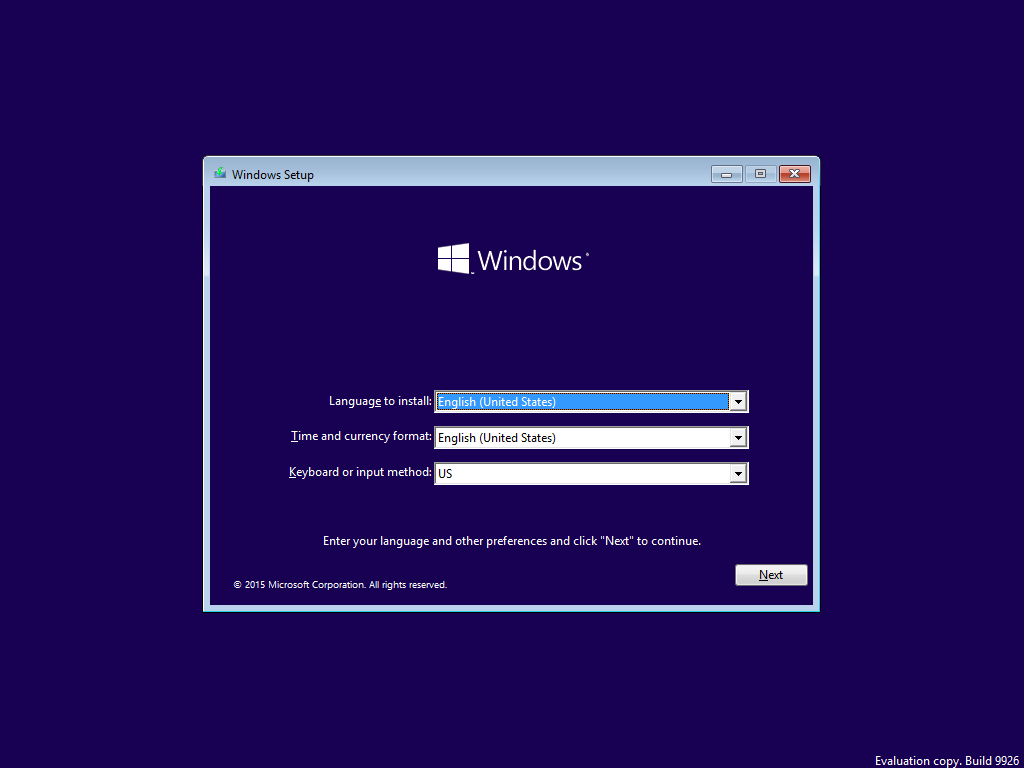
Select your language, time & currency format, keyboard or input method and click Next.
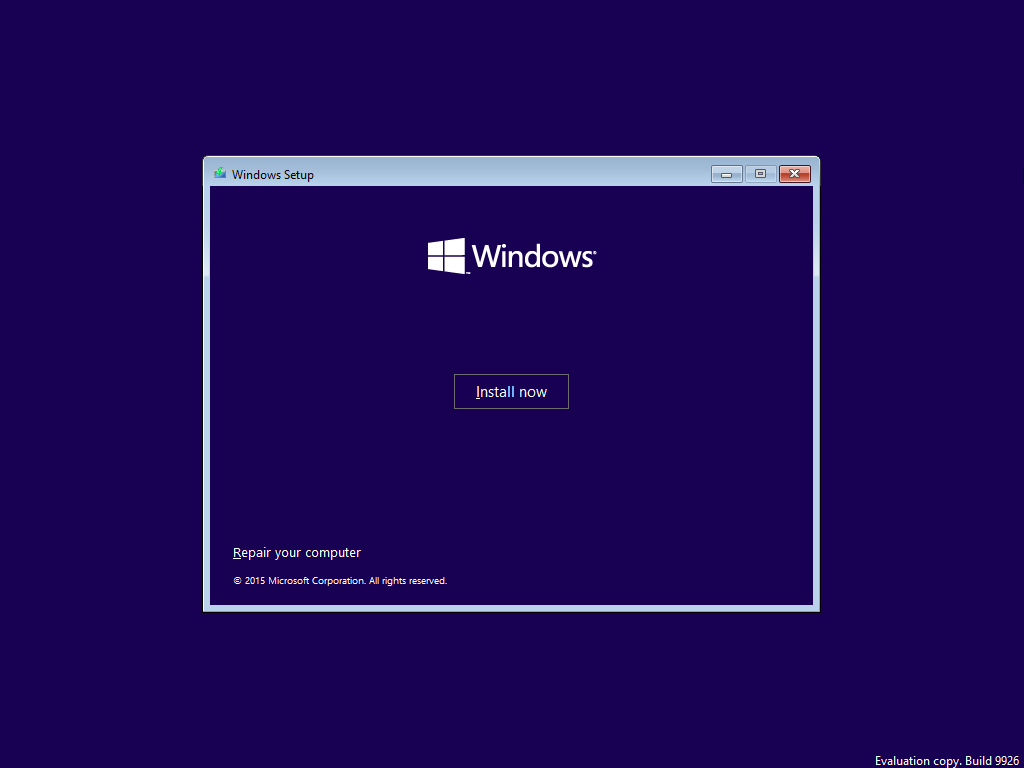
Click Install now.
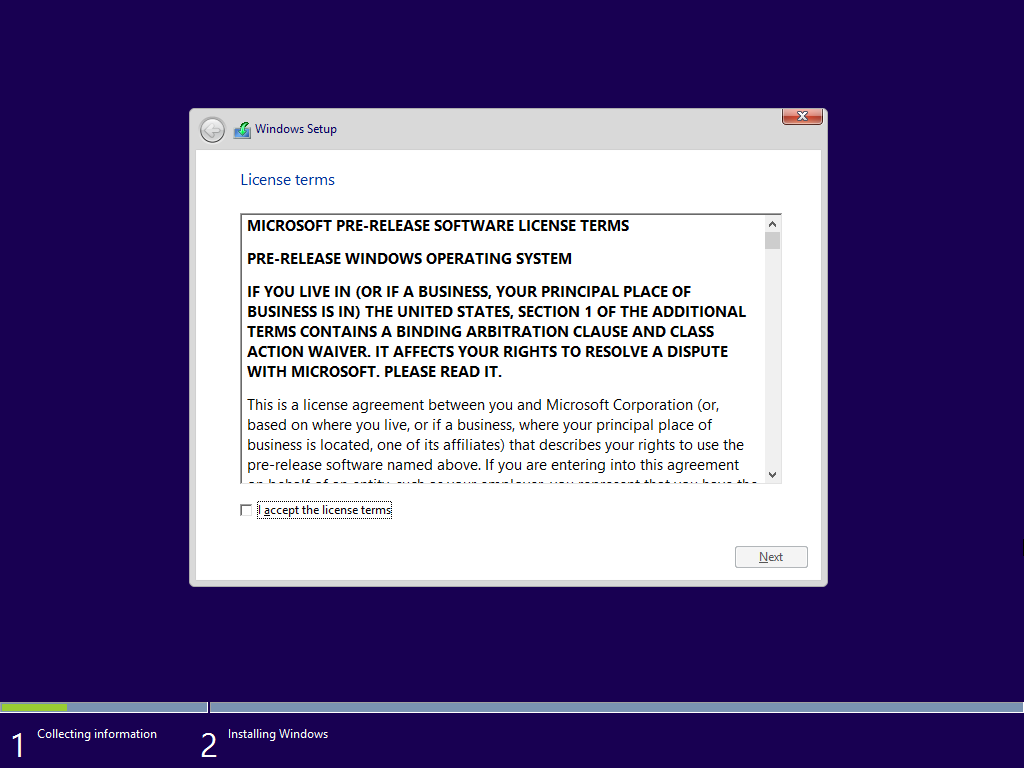
Check I accept the license terms and click Next.
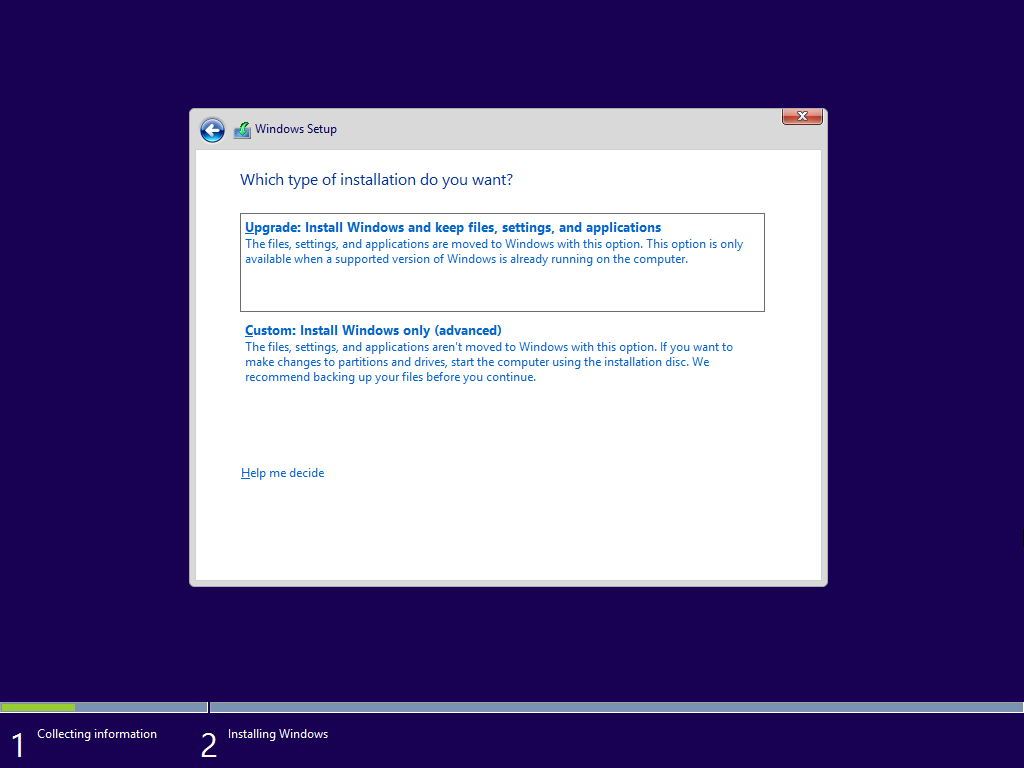
If you already have an existing Windows installation and want to keep existing files, settings and apps, clickUpgrade.
If you want to install a clean copy of Windows or the Upgrade option isn't supported for your existing Windows version, click Custom. You won't lose any file if you don't format any partition.
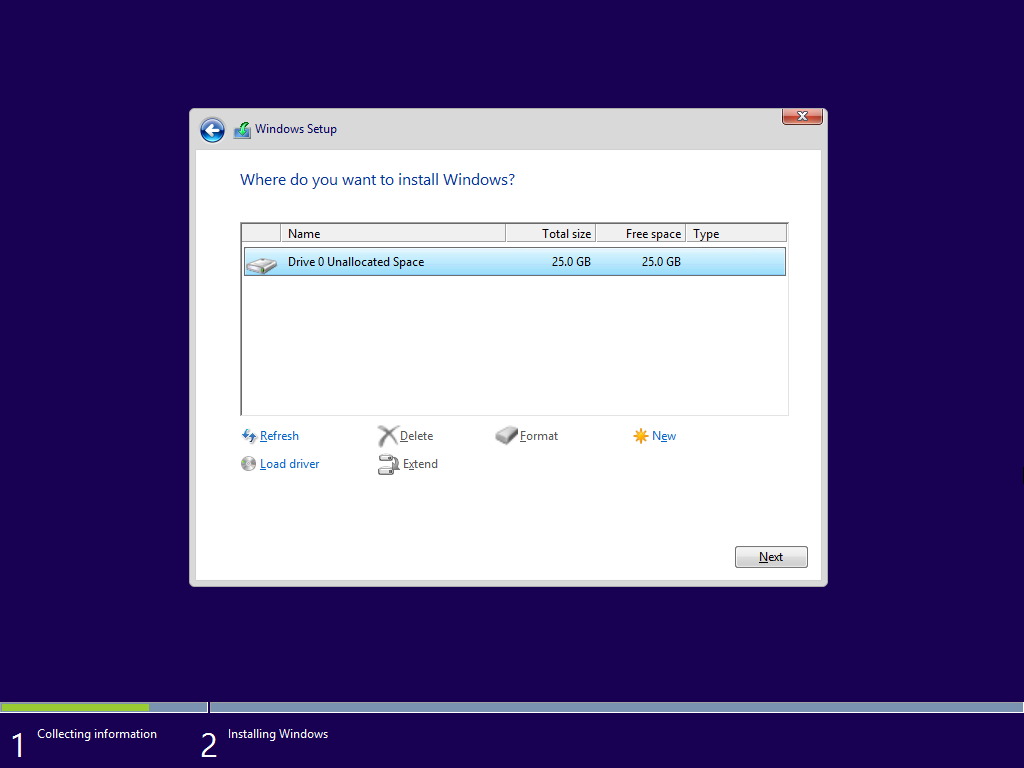
(Skip this step if you chose Upgrade) Select the partition where you want to install Windows 10. If you choose a partition with an existing Windows installation, setup will move existing files on the partition to a folder calledWindows.old. Click Next.
Windows 10 will now start installing.
The first step Copying Windows files will complete instantly. The second step Getting files ready for installation will take the longest time to complete.

Installing features and Installing updates will also complete instantly like the first one.
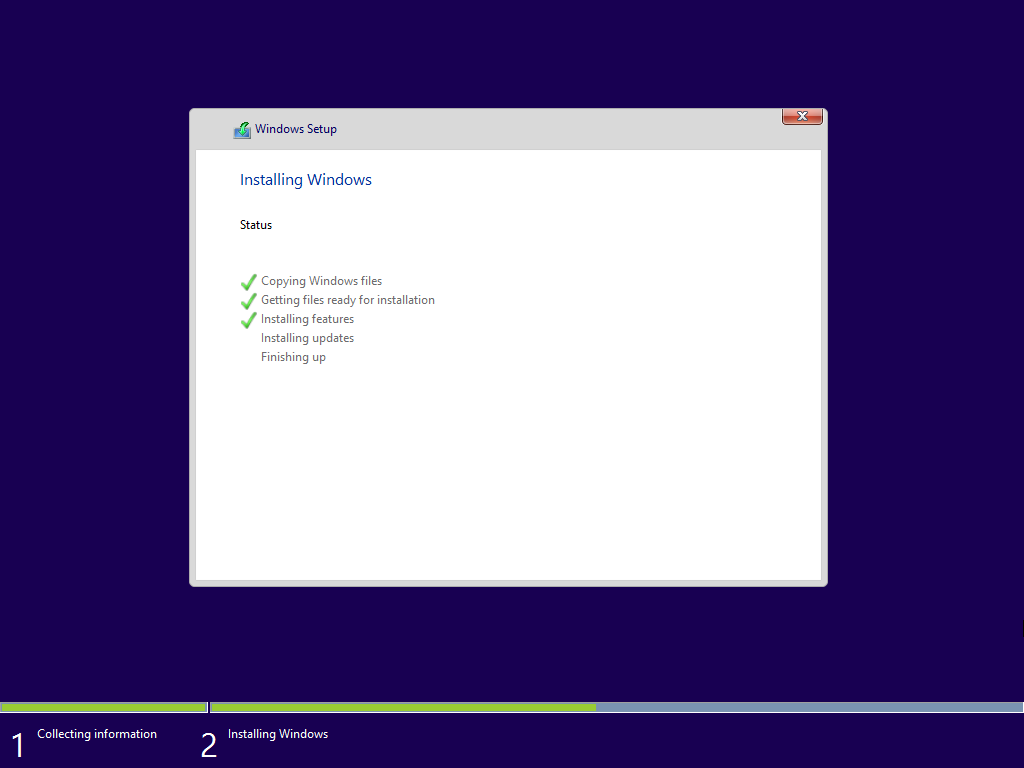
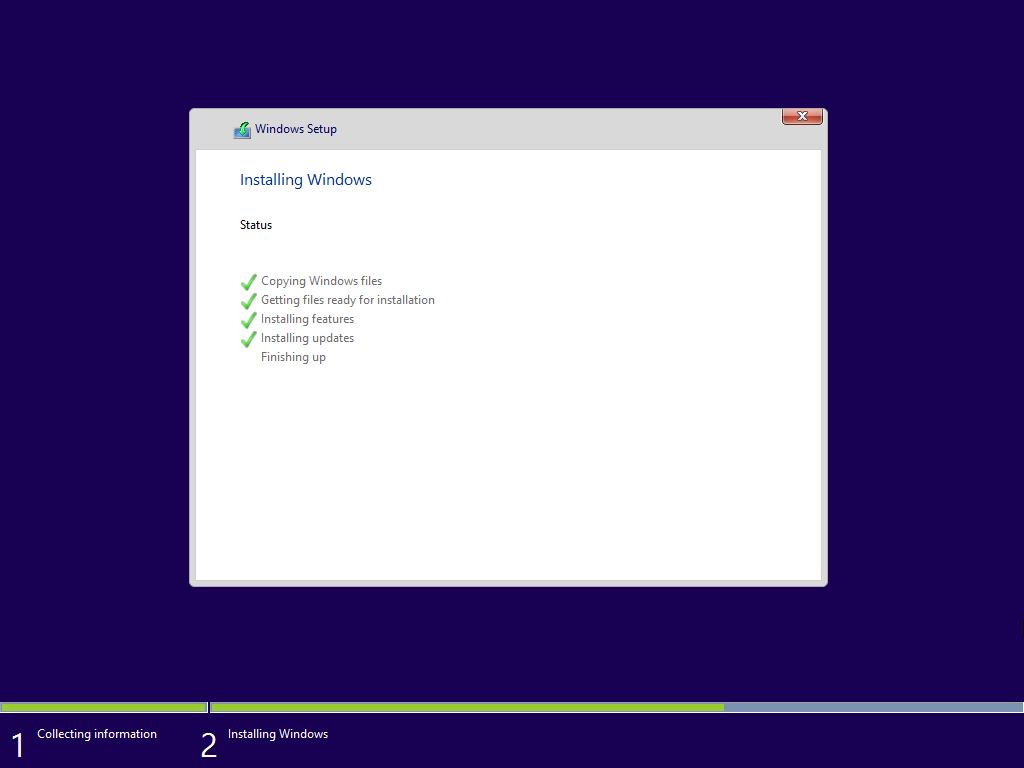
After Installing updates completes, your computer will automatically restart in 15 seconds. Click Restart now to restart instantly.
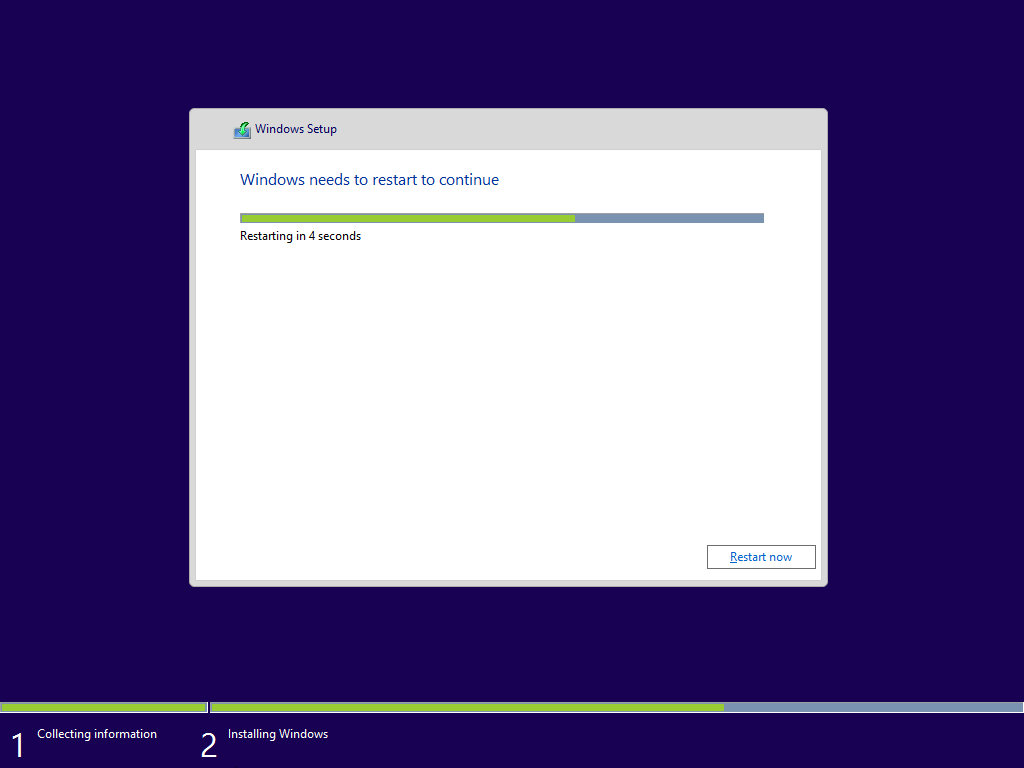
After restarting, you'll see the boot screen followed by Getting devices ready and Getting ready.
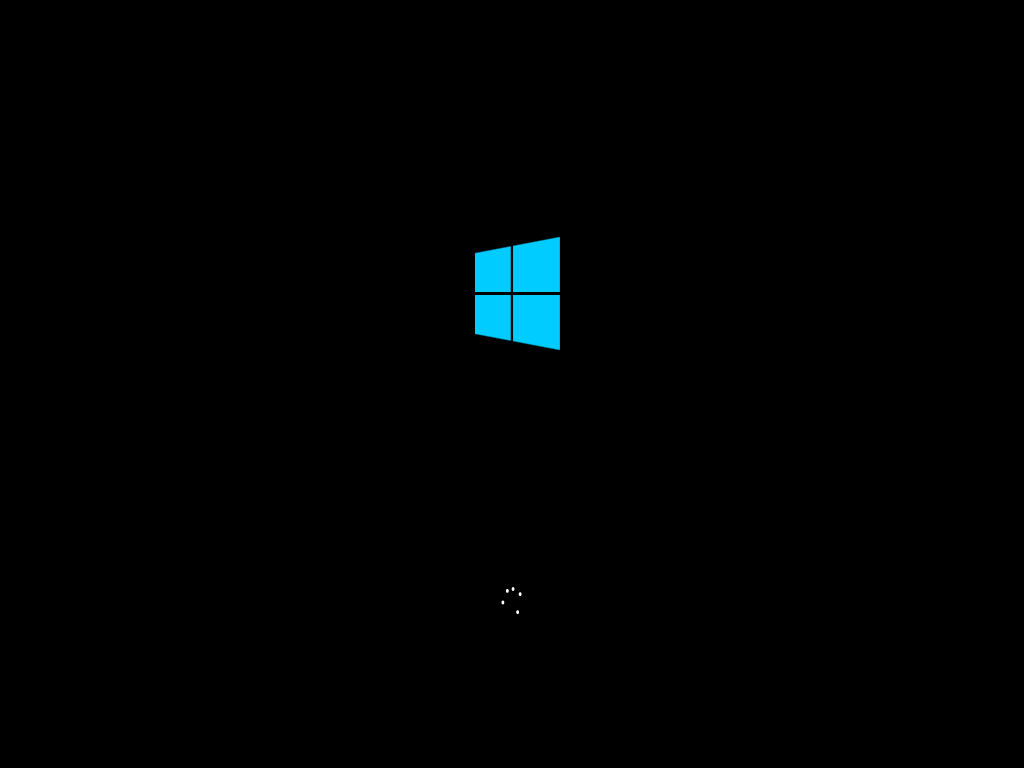



Your computer will now restart for the last time.


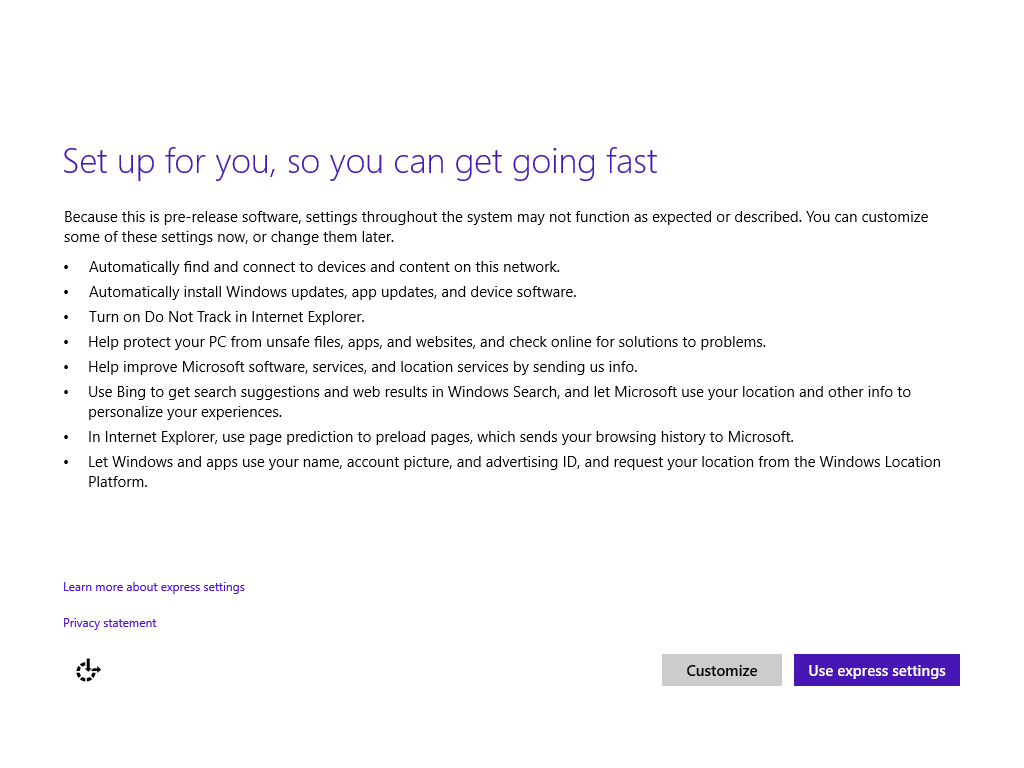
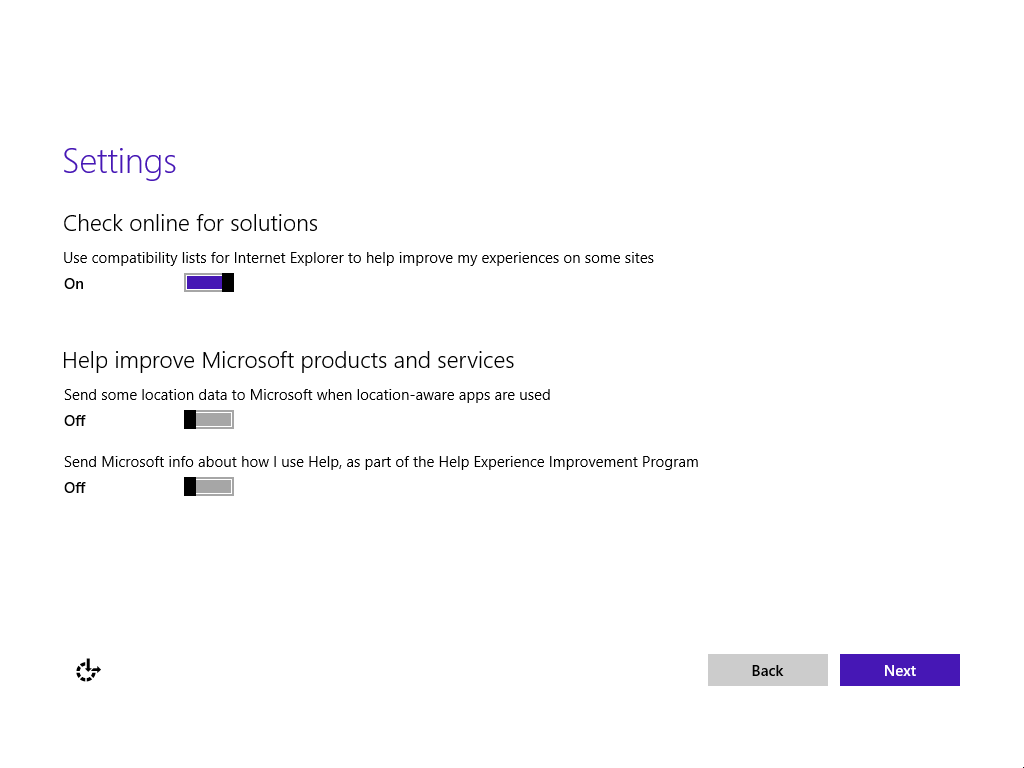
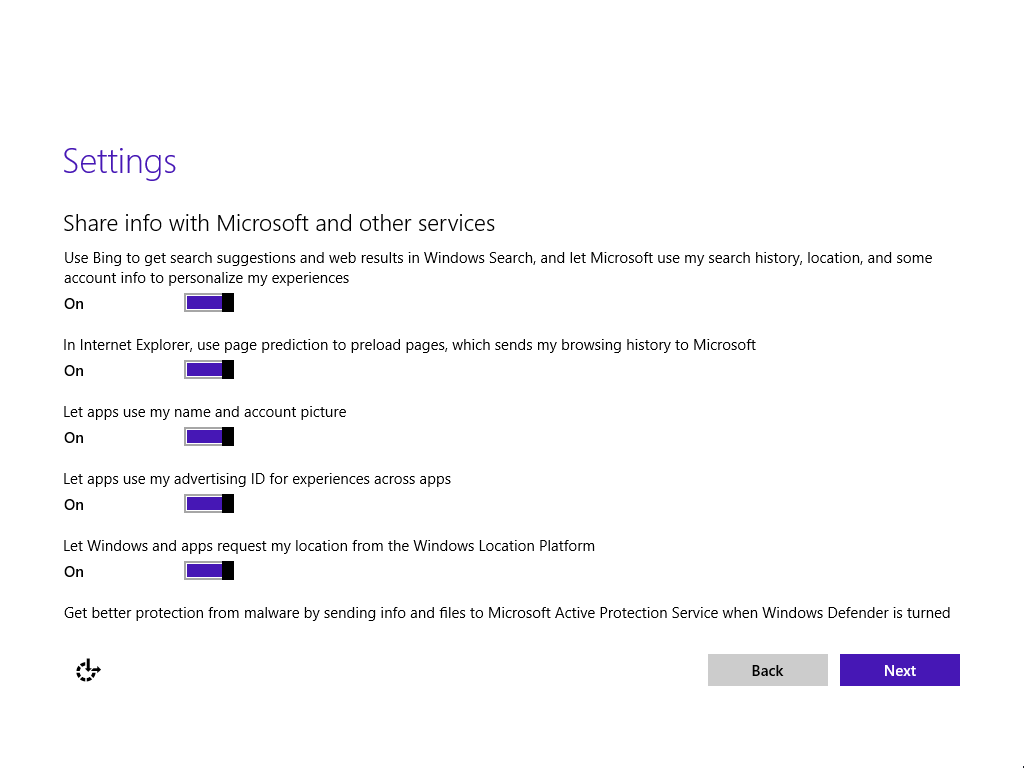
Click Use express settings if you want to keep the default settings or Customize if you want to change them.
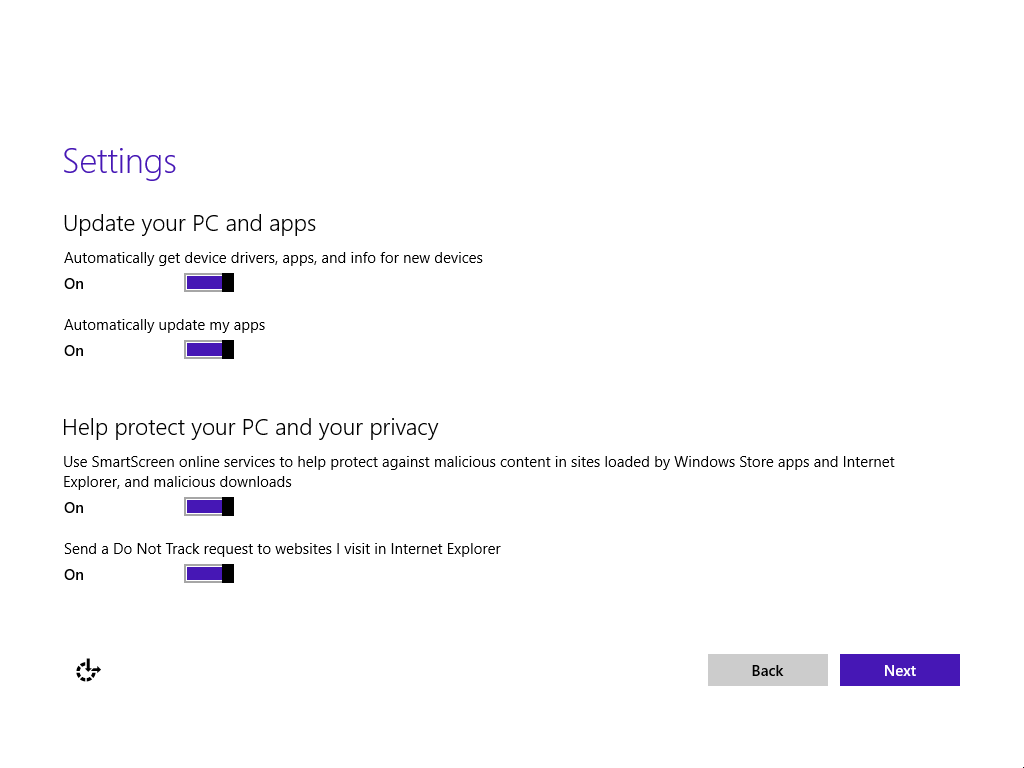
(The next three screenshots will appear only if you chose Customize)
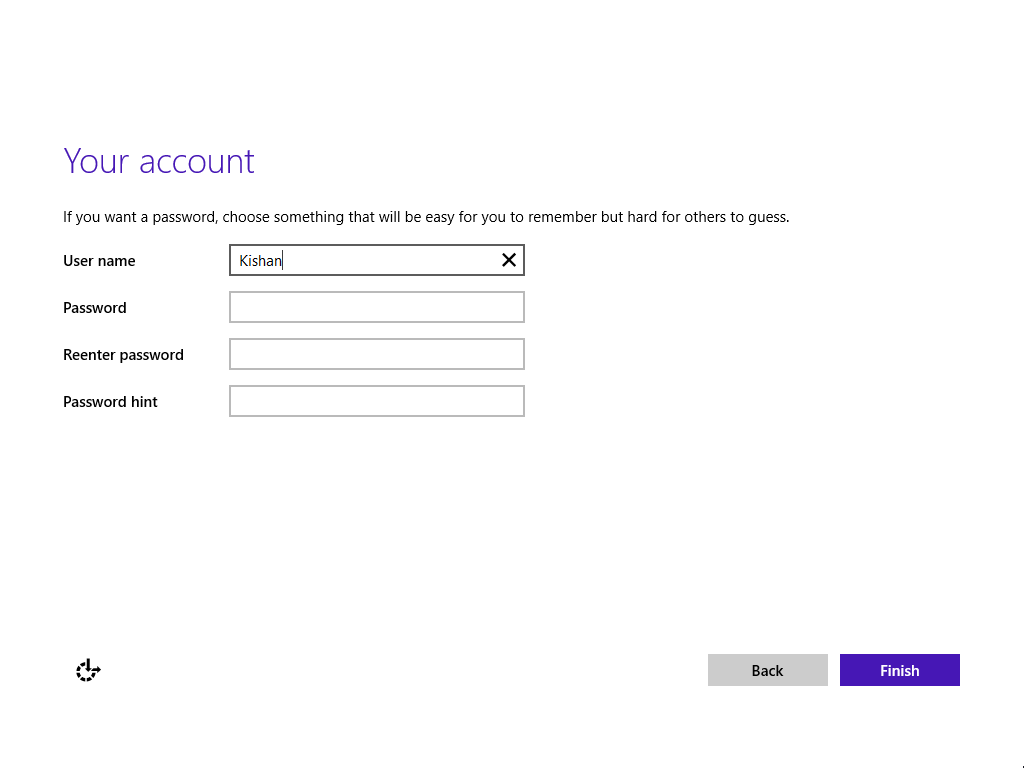
Type the user name and optionally the password.
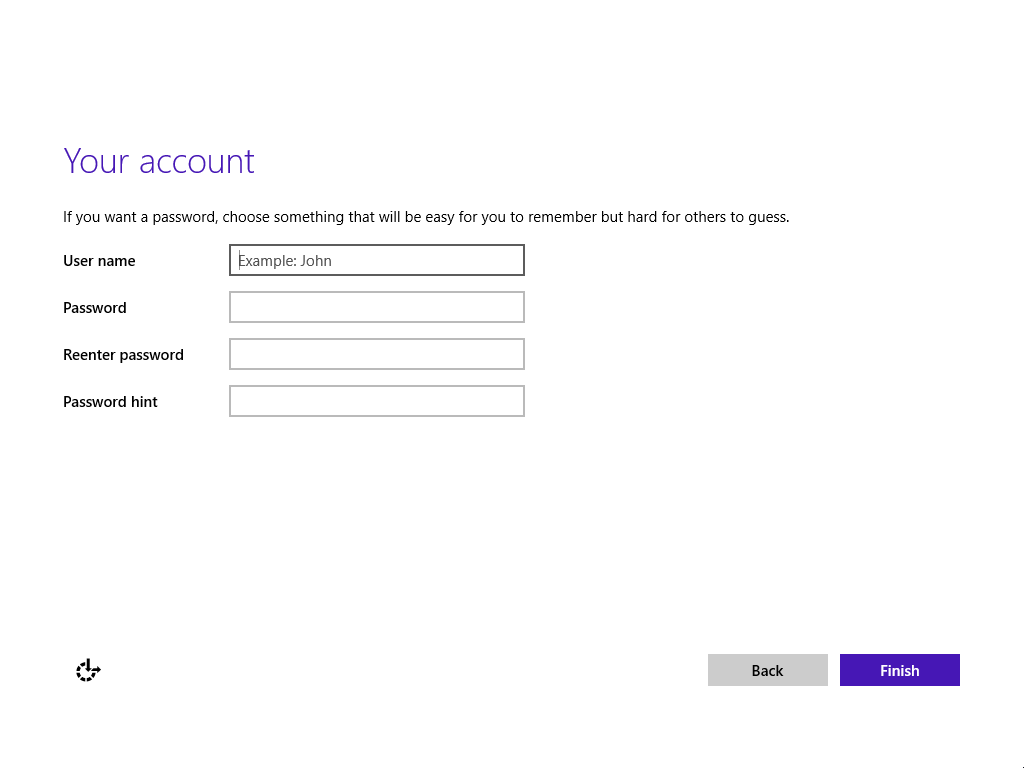
Click Finish.

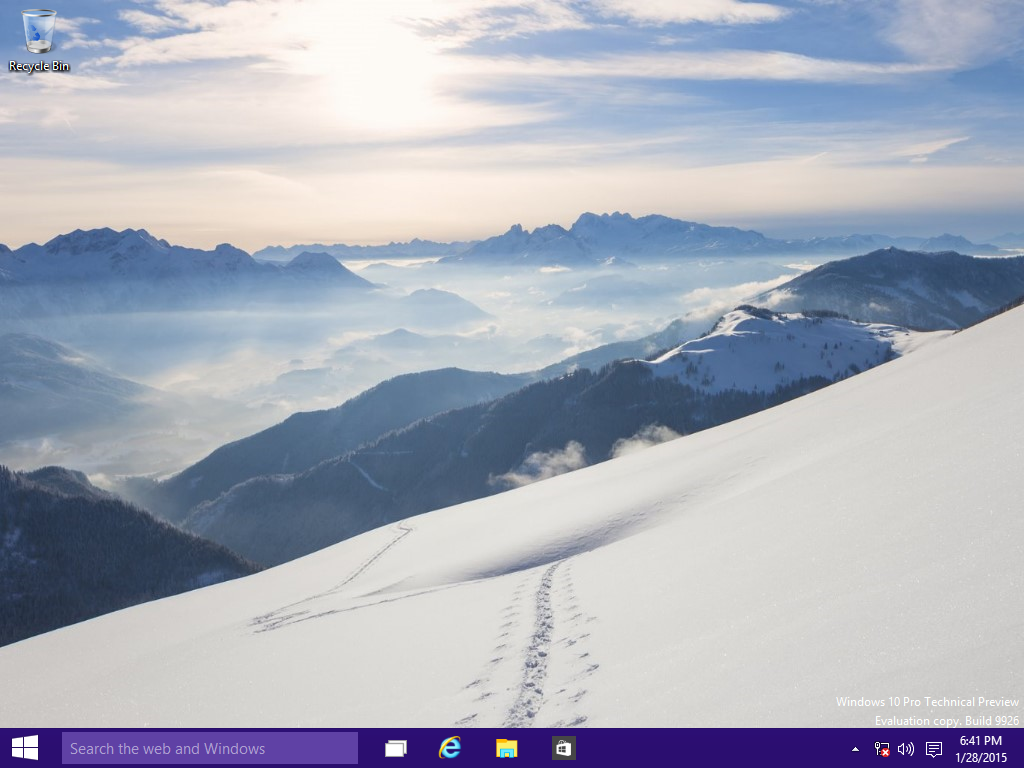
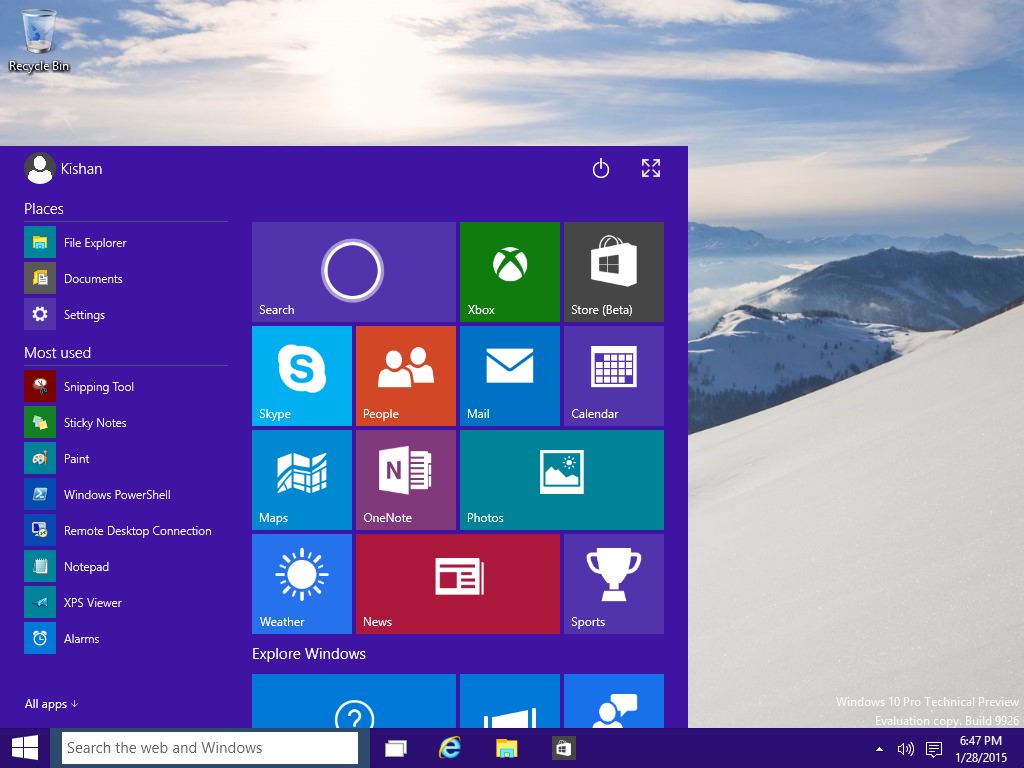
Sit back and watch the colorful animation until you see Windows 10 is completely installed.




0 comments: